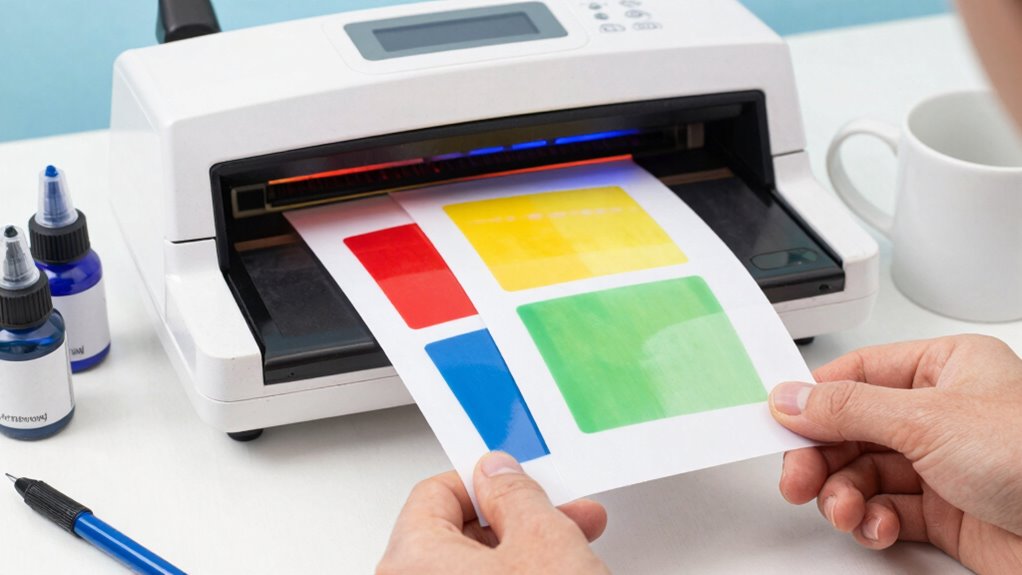

Starting with sublimation printing doesn’t have to be costly or complicated if you choose reliable yet affordable equipment and materials. Focus on selecting a good heat press with adjustable settings, a compatible printer with quality sublimation inks, and high-quality transfer papers. Organize your workspace efficiently to prevent mistakes, and guarantee your designs are well-prepared with accurate color calibration. Keep practicing these basics, and you’ll discover key tips that can help you produce vibrant, durable prints every time.
Key Takeaways
- Choose reliable, adjustable heat presses and compatible printers to ensure consistent, high-quality sublimation results.
- Use high-resolution (300 DPI) designs and calibrate your monitor for accurate color matching.
- Select affordable, quality sublimation inks and papers, and test materials before full production.
- Keep your workspace organized with designated tools and materials to prevent errors and streamline workflow.
- Follow precise heat press settings (temperature, pressure, time) and troubleshoot regularly to avoid common printing issues.
sublimation heat press machine with adjustable temperature
As an affiliate, we earn on qualifying purchases.
As an affiliate, we earn on qualifying purchases.
What Is Sublimation Printing? A Beginner’s Guide

Have you ever wondered how vibrant, full-color images are transferred onto items like mugs, shirts, or puzzles? That’s where sublimation printing comes in. It uses special inks and heat to turn designs into gas, which then bonds with the surface of polyester or coated materials. Your ink color choices are vital, as they determine the final image’s vibrancy and accuracy. Adjusting heat press settings properly is necessary to guarantee the ink sublimates evenly without damaging the item. You need to set the right temperature, pressure, and time based on the material and design. When done correctly, sublimation produces crisp, durable, full-color images that won’t peel or fade. It’s a versatile and efficient way to create personalized products with professional results. Proper heat press parameters are crucial for achieving optimal sublimation outcomes.
professional sublimation printer with high resolution
As an affiliate, we earn on qualifying purchases.
As an affiliate, we earn on qualifying purchases.
How to Choose Affordable Sublimation Equipment for Beginners
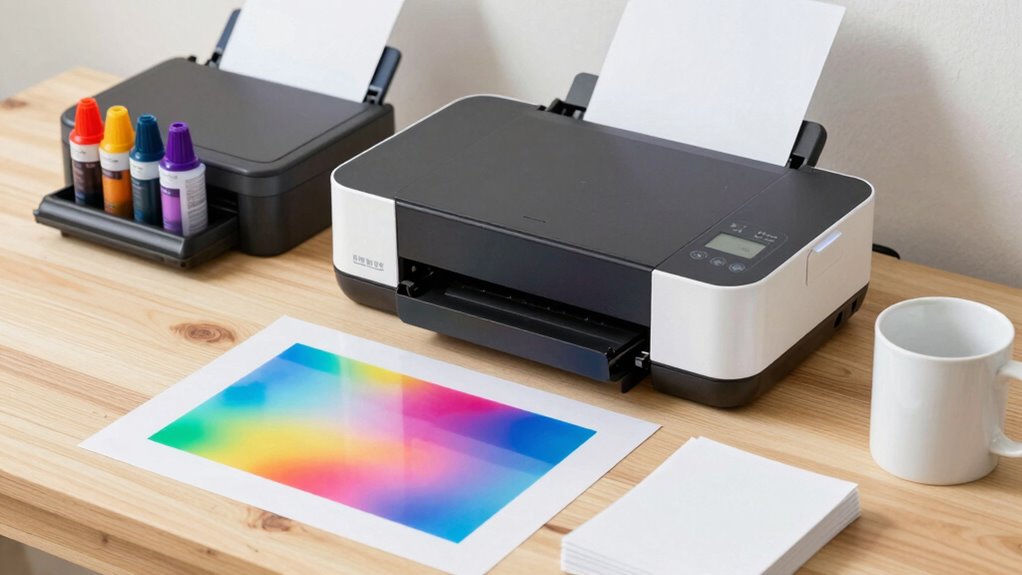
Starting with affordable sublimation equipment is a smart way for beginners to enter the world of custom printing without overspending. Focus on a reliable heat press that offers even heat distribution and precise temperature control, which are essential for consistent results. When selecting a machine, consider models with adjustable pressure settings to master different heat press techniques. Good color management starts with equipment that can accurately reproduce colors, so look for printers with good ink and compatible sublimation paper. Avoid overly complex or expensive setups initially—simple, user-friendly gear helps you learn the basics without confusion. As you gain experience, you can upgrade. The key is choosing equipment that balances affordability with quality, ensuring your first projects turn out professional-looking without breaking the bank. Additionally, paying attention to equipment compatibility ensures that all components work seamlessly together for optimal results. Moreover, understanding the importance of color accuracy can significantly improve the quality of your sublimation prints, making your finished products more vibrant and true to the original design. Being aware of industry standards can help guide your purchases toward reliable and proven equipment choices. Recognizing the significance of proper maintenance is also crucial to extend the lifespan of your equipment and maintain consistent results over time.
sublimation transfer paper for mugs and shirts
As an affiliate, we earn on qualifying purchases.
As an affiliate, we earn on qualifying purchases.
Selecting Budget-Friendly Materials for Sublimation Projects
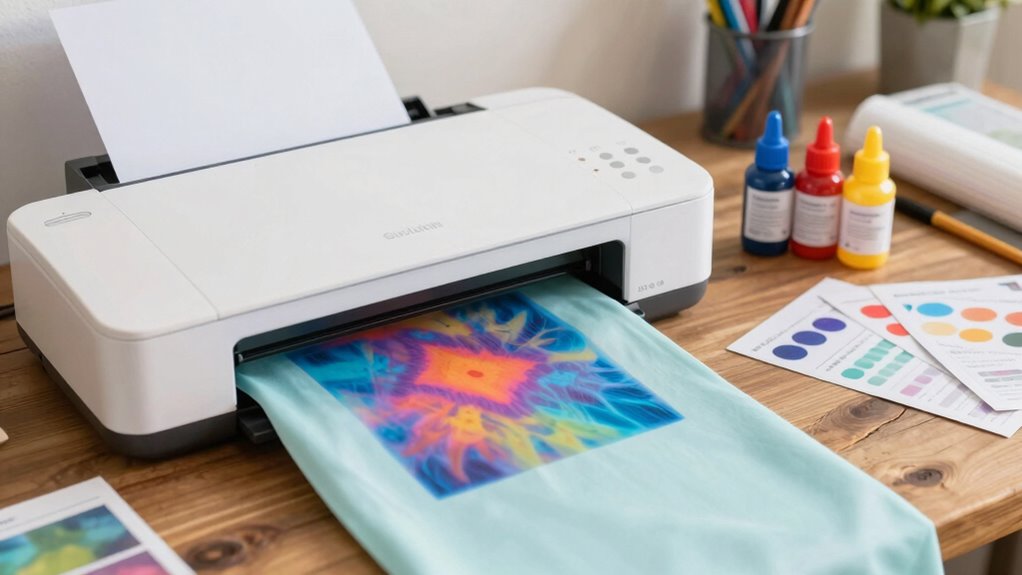
When choosing materials for your sublimation projects, you want options that won’t break the bank but still deliver good results. Consider how to balance quality and cost to find the best value for your budget. Finding affordable materials that meet your needs can help you produce professional-looking results without overspending. Additionally, exploring cost-effective techniques can provide innovative ways to enhance your projects without added expense. Proper kitchen gear care and eco-friendly disposal methods can also extend the lifespan of your equipment and reduce waste, helping you save money and support sustainability. Paying attention to household organization can also prevent misplaced tools and streamline your workflow, saving both time and resources. Incorporating smart home protocols can further optimize your workspace by automating certain tasks and increasing overall efficiency.
Affordable Material Options
Choosing the right materials is essential for keeping your sublimation projects budget-friendly. Opt for eco friendly inks, which can be more cost-effective over time and are better for the environment. These inks often come in smaller, affordable cartridges, reducing waste and initial expenses. Reusable substrates are another smart choice; they allow you to create multiple designs without constantly buying new blank items. Look for inexpensive, versatile surfaces like uncoated aluminum or polyester fabrics, which work well with sublimation and are easy to find at lower prices. Avoid high-end or specialty materials initially, as they can quickly inflate your costs. Additionally, considering local automation options can help streamline your workflow and reduce waste during production. By selecting these budget-friendly options, you can produce quality sublimation projects without overspending, making your setup both affordable and sustainable.
Quality vs. Cost
How do you balance quality and cost when selecting materials for sublimation projects? It’s essential to contemplate your budget alongside your desired results. Focus on cost considerations that don’t compromise quality optimization. Cheaper materials might save money initially but can lead to poor print quality or durability issues. Instead, look for mid-range options that offer a good balance between affordability and performance. Research reviews and test small batches to assess how budget-friendly materials perform. Remember, investing a little more upfront in quality materials can save you money later by reducing reprints and returns. Finding that sweet spot ensures your sublimation projects look professional without overspending, giving you both value and excellent results. Additionally, understanding material compatibility is crucial to ensure your chosen supplies work well with your printing equipment. Being aware of ethical sourcing can also help you make responsible choices that align with your values. Moreover, considering environmentally friendly options can contribute to a more sustainable and eco-conscious approach to your projects. Conducting regular workspace condition assessments helps you monitor and optimize factors like temperature and humidity, which are vital for consistent print quality, especially under varying wave and wind conditions in your workspace.
sublimation inks compatible with Epson printers
As an affiliate, we earn on qualifying purchases.
As an affiliate, we earn on qualifying purchases.
How to Set Up Your Sublimation Workspace for Success
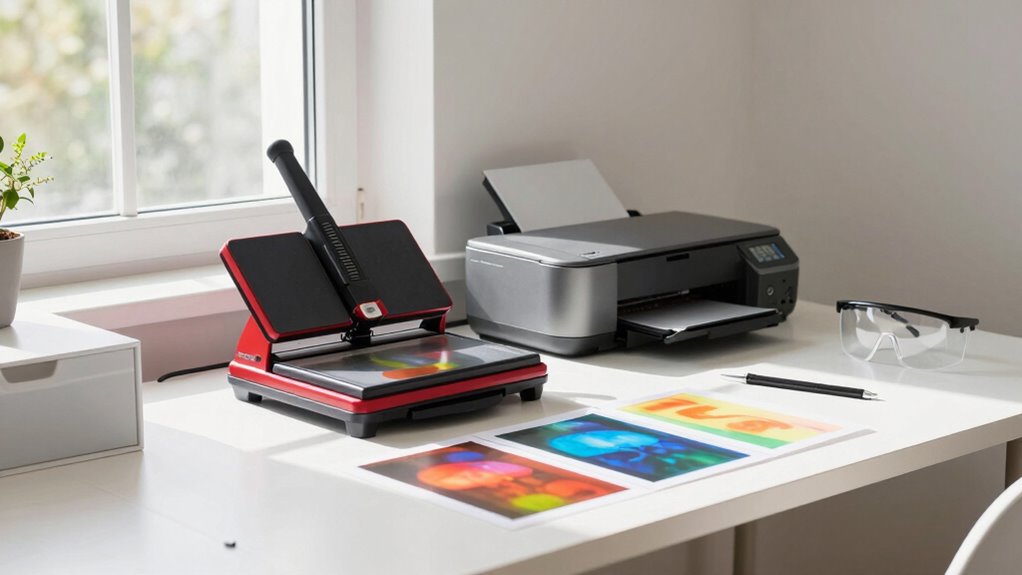
Setting up your sublimation workspace starts with organizing your tools and materials so you can work efficiently. Choosing the right equipment guarantees consistent results and safety during your projects. Keep your space tidy and select quality gear to set yourself up for success. Ensuring you have the necessary for sale 100 supplies will help streamline your workflow and avoid costly mistakes. Incorporating luxury-grade tools can also enhance your overall experience and output quality, making your setup more professional and reliable. Additionally, understanding professional-grade equipment options can help you invest wisely in durable and high-performing gear. Emphasizing content quality and topical authority in your setup ensures your workspace supports creating credible and engaging designs. Moreover, maintaining a well-organized workspace promotes efficiency and reduces errors during your sublimation projects.
Organize Your Workspace
Have you ever struggled to find your tools or materials when you need them most? Proper workspace organization makes a huge difference in your efficiency and reduces mistakes. Start by arranging your tools and supplies with intentional tool placement, so everything has a designated spot. Keep frequently used items within easy reach, like tweezers, heat-resistant gloves, and scissors. Use bins or organizers for substrates, inks, and transfer papers to keep your workspace clutter-free. Clear surfaces help you work more precisely and avoid accidental damage or misprints. Regularly tidy up and reassess your setup to ensure everything remains accessible. An organized workspace not only saves time but also creates a safer, more productive environment for your sublimation projects. Incorporating ergonomic setup principles can further enhance comfort and prevent fatigue during long sessions. Additionally, considering electric bikes for transportation to and from your workspace can make your setup more eco-friendly and efficient.
Select Proper Equipment
Choosing the right equipment is crucial to guaranteeing your sublimation workspace is efficient and safe. Start with a reliable printer designed for sublimation, and confirm it’s compatible with your inks, which require proper ink maintenance to prevent clogs and color issues. Select a heat press with accurate temperature calibration to produce consistent results. Avoid cheaper models that may lack precise temperature control, which can lead to flawed transfers. Additionally, invest in quality sublimation inks and a dedicated workspace to prevent contamination. Regularly check ink levels and perform maintenance routines to keep your printer functioning at its best. Proper equipment setup minimizes mistakes, ensures vibrant prints, and prolongs your investment, making your sublimation process smoother and more successful from the start.
Preparing Your Designs for Vibrant Prints
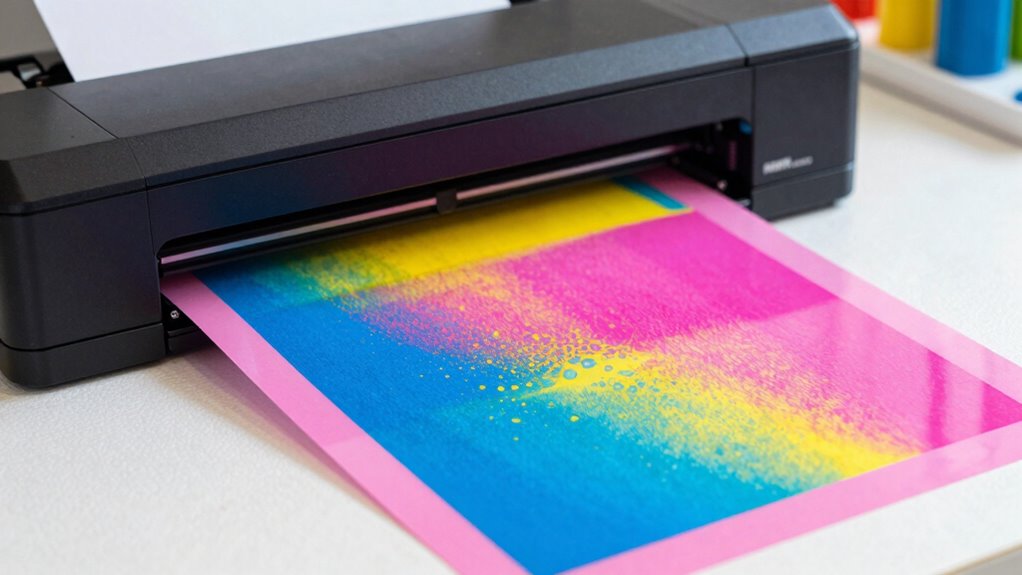
Are your designs ready to pop with vibrant color? Proper preparation is key. Focus on color management by calibrating your monitor to ensure accurate colors from screen to print. Use high-resolution images, ideally 300 DPI, to prevent blurriness and pixelation. Optimize your designs by simplifying complex images and avoiding overly fine details that may not transfer well. Adjust color profiles to match your sublimation inks and substrates, which helps maintain consistency. Remember, less is often more—clean, well-organized files with proper color settings result in brighter, more accurate prints. Taking these steps ensures your final product will showcase vivid, eye-catching colors and avoid disappointing results caused by poor design preparation.
Step-by-Step: Printing and Pressing Your First Sublimation Products
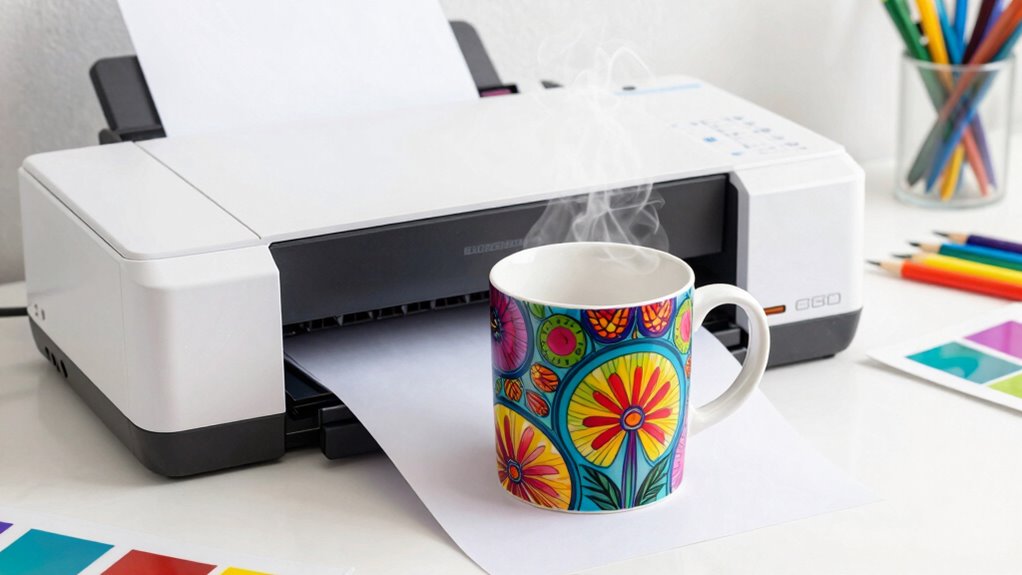
Once your designs are properly prepared, it’s time to move on to printing and pressing. Start by printing your design onto sublimation paper, ensuring your color management settings are correct for accurate colors. Use the highest quality print mode to prevent dull or faded images. When pressing, set your heat press to the recommended temperature, usually around 375°F, and apply consistent pressure using heat press techniques like even pressure across the surface. Keep an eye on the timer to avoid over- or under-pressing, which can affect image transfer and product quality. Properly managing heat, pressure, and timing, combined with accurate color management, helps guarantee vibrant, professional-looking results on your first sublimation products.
Common Mistakes Beginners Make in Sublimation and How to Avoid Them
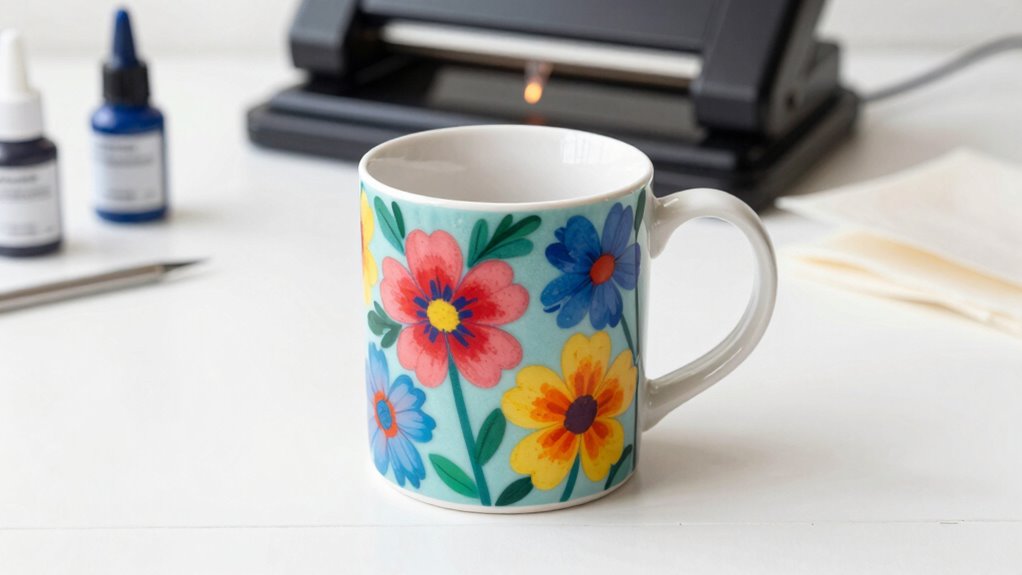
Many beginners struggle with poor image quality, often because of low-resolution files or incorrect settings. Choosing the right materials is essential; using the wrong ones can ruin your project. Additionally, rushing the curing process can lead to incomplete transfers or damaged items, so always follow recommended curing times.
Poor Image Quality
Poor image quality is a common mistake beginners make when starting with sublimation printing, often due to using low-resolution images. To avoid this, focus on proper color management and verify your images have high enough resolution—at least 300 DPI for most designs. Low-resolution images will appear blurry or pixelated once transferred, ruining your final product. Before printing, double-check your image resolution and adjust color profiles to match your printer and substrate. Using well-calibrated software helps maintain color accuracy and sharpness. Remember, starting with high-quality, properly managed images is key to achieving vibrant, crisp sublimation prints. Taking these steps prevents disappointment and helps you produce professional-looking results from the beginning.
Incorrect Material Selection
Choosing the right materials is essential for achieving successful sublimation prints. Using incompatible surfaces or poor-quality items can lead to dull colors or incomplete transfers. To avoid this, consider material compatibility and ink absorption. Not all materials are suitable for sublimation, especially darker or non-polyester fabrics, which won’t absorb ink properly. The table below highlights common materials and their suitability:
| Material Type | Compatibility | Ink Absorption |
|---|---|---|
| Polyester Fabrics | High | Excellent |
| Cotton Fabrics | Low | Poor |
| Ceramic Mugs | Very High | Excellent |
| Glass | Moderate | Fair |
| Dark Fabrics | Usually Not Suitable | Poor |
Choosing the wrong material wastes time and money; always verify material compatibility and ink absorption before printing.
Insufficient Curing Time
One of the most common mistakes beginners make in sublimation is not allowing enough curing time after printing. Insufficient curing can lead to poor color transfer and durability issues. To avoid this, guarantee your heat press is properly calibrated for consistent temperature and pressure. Pay attention to ink saturation; over-saturated prints may need more time to cure fully.
Consider these points:
- Proper heat press calibration ensures even heat distribution.
- Allow extra curing time for highly saturated inks.
- Rushing the process can cause incomplete color fixation.
- Adequate curing enhances image vibrancy and longevity.
Taking these steps helps you achieve sharp, durable results and prevents costly reprints. Proper curing is essential for a professional and lasting sublimation finish.
Tips to Achieve Bright, Durable Sublimation Results

Achieving bright, durable sublimation results requires careful attention to several key factors. First, verify your ink maintains good ink longevity by storing cartridges properly and using fresh supplies. This helps preserve color vibrancy throughout your projects. Maintain consistent temperature and pressure during printing and heat pressing, as uneven application can dull colors and reduce durability. Use high-quality sublimation paper designed for vibrant results, and always perform test prints to fine-tune your settings. Additionally, avoid excessive handling or cleaning the printed surface immediately, which can lead to fading or smudging. Properly prepared substrates also contribute to long-lasting, vivid images. By focusing on these essential steps, you’ll maximize color vibrancy and create sublimation products that stand the test of time.
Troubleshooting Typical Sublimation Problems
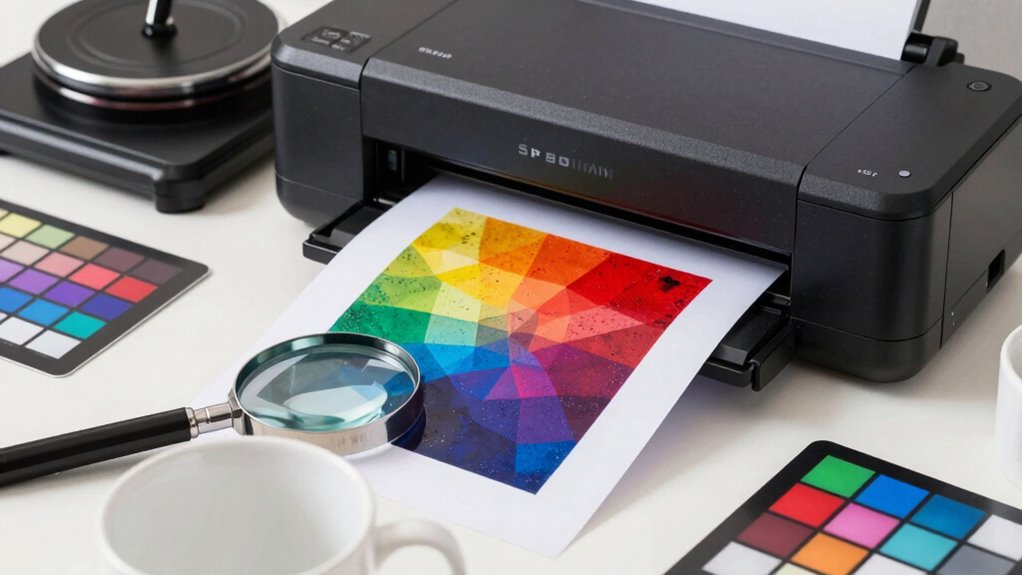
When working with sublimation printing, encountering common issues is inevitable, but most problems can be quickly identified and resolved. Incorrect heat press settings often lead to dull or faded images, so double-check temperature, pressure, and time. Color management issues may cause colors to appear off or muted; ensure your printer settings match your substrate and inks. Here are key points to troubleshoot effectively:
- Verify heat press temperature and duration match recommended guidelines
- Adjust pressure to ensure even heat transfer
- Calibrate your printer for accurate color reproduction
- Use consistent, high-quality sublimation paper for better results
Addressing these factors helps prevent common problems, guaranteeing vibrant, durable prints every time. Proper heat press settings and color management are vital for a smooth sublimation process.
Next Steps: Expanding Your Skills in Sublimation Printing
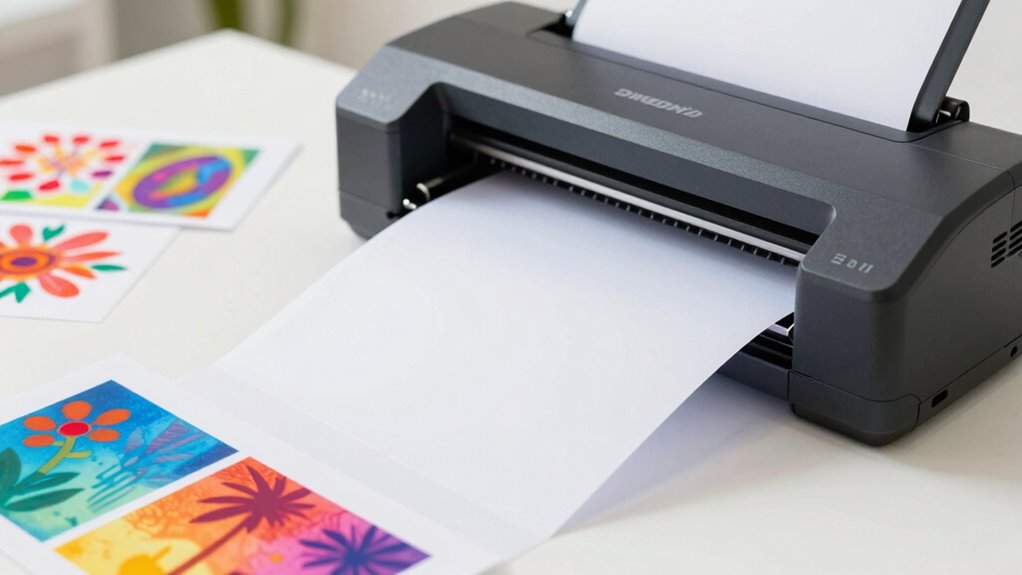
To take your sublimation printing skills to the next level, it’s crucial to explore new techniques, expand your knowledge, and experiment with different materials. Focus on improving your color management to achieve more accurate, vibrant results, adjusting profiles and calibrations as needed. Additionally, understanding substrate compatibility is essential; not all surfaces respond well to sublimation, so research and test various materials to ensure your designs transfer properly. As you grow, try printing on diverse items like ceramics, textiles, and metals, paying attention to how each substrate interacts with sublimation inks. This ongoing learning will help you develop a more versatile skill set, avoid costly mistakes, and produce professional-quality products that stand out.
Frequently Asked Questions
Can Sublimation Printing Be Done on Dark-Colored Items?
No, sublimation printing can’t be done on dark-colored surfaces due to sublimation limitations. The process requires a white or light-colored background to make the images vibrant and visible. When you try to print on dark-colored items, the design won’t show up properly because the ink relies on the surface’s light color to reflect the vividness. To avoid disappointment, stick to light or white surfaces for best results.
What Are the Safety Precautions When Working With Sublimation Inks?
A stitch in time saves nine, so always prioritize safety when working with sublimation inks. You should wear protective gear like gloves and masks to prevent skin and inhalation exposure. Confirm your workspace has proper ventilation systems to disperse fumes and avoid buildup. Follow manufacturer instructions carefully, and never overlook safety precautions, because your health is worth every effort to keep safe during the sublimation process.
How Long Does Sublimation Printed Items Typically Last?
Your sublimation printed items typically last around 5 to 10 years, depending on factors like durability testing and exposure to sunlight or harsh conditions. To guarantee longevity, avoid frequent washing or abrasive cleaning, which can cause color fading. Proper care helps maintain vibrant colors over time. Generally, sublimation prints keep their quality well, making them a durable choice for personalized gifts or promotional items.
Is It Possible to Do Sublimation Without a Heat Press?
Sure, you can try sublimation without a heat press, but it’s like baking bread without an oven—possible, but hardly practical. Instead, look into alternative heat sources like an iron or a convection oven, though they’re less consistent. Also, consider printable material options that work with these methods. Keep in mind, achieving professional results often requires the precise heat and pressure a dedicated heat press provides.
What Are the Best Ways to Clean Sublimation Equipment?
You should regularly use proper cleaning techniques to keep your sublimation equipment in top shape. Turn off and unplug your printer, then gently clean the print head with a lint-free cloth and a cleaning solution recommended by the manufacturer. Wipe down the heat press and other surfaces after each use to prevent residue buildup. Consistent equipment maintenance guarantees vibrant prints and prolongs your equipment’s lifespan, saving you time and money.
Conclusion
Getting started with sublimation printing doesn’t have to be costly or complicated. With the right setup and tips, you can create vibrant, durable designs that impress. Did you know that the sublimation market is expected to grow at a CAGR of over 10% through 2027? So, now’s the perfect time to immerse yourself in, avoid common mistakes, and expand your skills. Keep experimenting, stay patient, and watch your sublimation projects flourish!