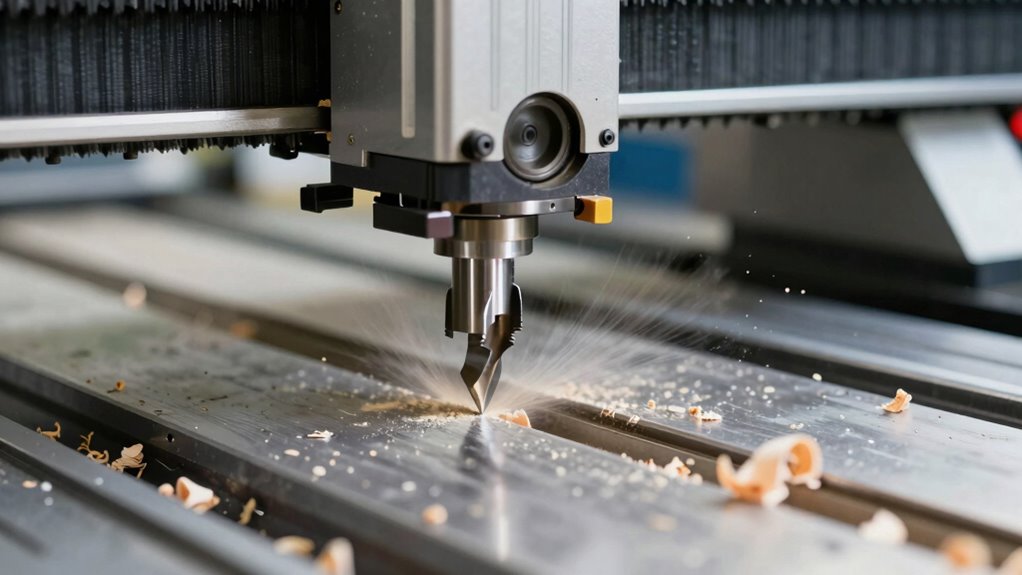

To get the best results with your CNC router, choose the right bits for your material—spiral bits for wood, diamond-tipped for stone, and carbide or HSS for metal. Keep your spindle speeds and feed rates balanced to avoid rough cuts or tool wear—start with manufacturer recommendations and test small cuts. Proper setup prolongs tool life and improves finish quality. If you want to master exactly how to optimize your setup, you’ll find helpful tips below.
Key Takeaways
- Select the right bit type (straight, spiral, diamond-tipped) based on material and project needs for optimal results.
- Use manufacturer guidelines and test cuts to set appropriate spindle speeds and feed rates, balancing quality and tool life.
- Higher feed rates increase tool wear; lower speeds can cause rough cuts—find a balance for best finish and longevity.
- Proper calibration and monitoring of tools prevent issues like burning or chipping, saving time and avoiding damage.
- Software tools like CAD/CAM and calculators streamline setup, ensuring efficient, accurate cuts with minimal trial and error.
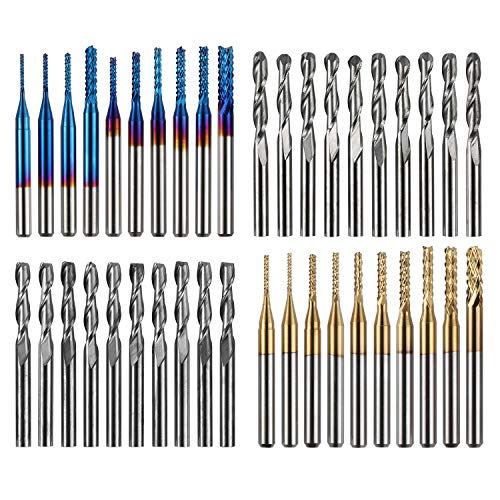
Genmitsu 40pcs End Mills CNC Router Bits, 1/8" Shank CNC Cutter Milling Carving Bit Set Including 2-Flute Flat Nose & Ball Nose, Nano Blue Coat & Titanium Coat, MC40A
High Quality: The Genmitsu end mills are made of ultra-fine 0.2μm tungsten carbide steel alloy that can keep…
As an affiliate, we earn on qualifying purchases.
As an affiliate, we earn on qualifying purchases.
Understanding CNC Router Bits: Types and When to Use Them
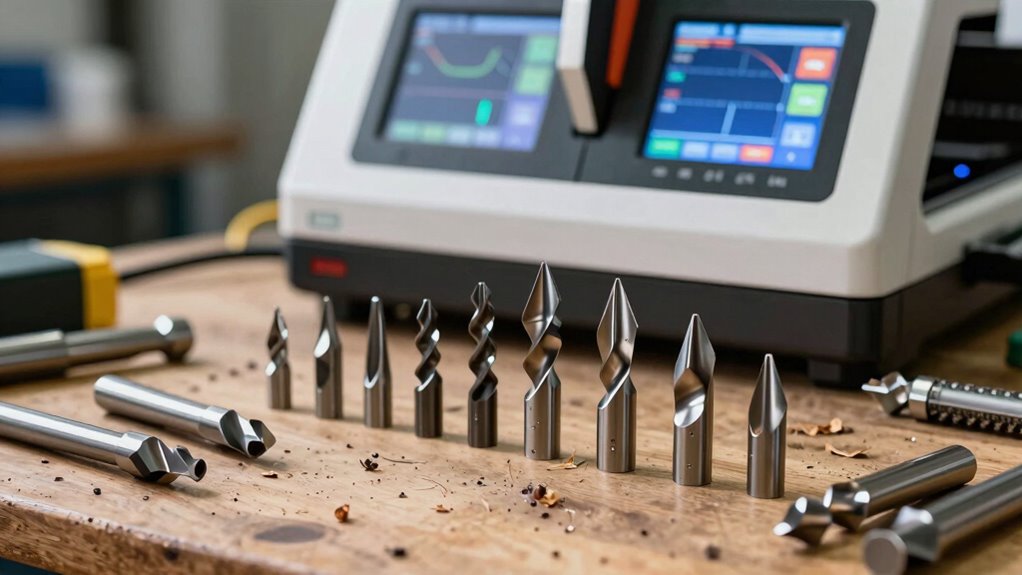
Choosing the right CNC router bits is essential for achieving quality results, as different bits are designed for specific tasks. You need to take into account cutter geometry, which influences how the bit cuts and impacts surface finish and chip removal. You can also consider cutter geometry to match the bit design with your project needs, ensuring optimal performance. For example, straight bits are ideal for plunge cuts and drilling, while spiral bits excel at smooth, efficient cutting. The bit material also matters; high-speed steel (HSS) offers durability for light-duty work, but carbide bits are tougher and last longer, especially at higher speeds. Understanding these factors helps you select the proper bit for your project, reducing tool wear and improving accuracy. Material considerations play a crucial role in determining the best bit for your material and application. Additionally, considering cutting parameters such as feeds and speeds can optimize tool performance and longevity. By matching cutter geometry and bit material to your material and task, you’ll ensure cleaner cuts and more consistent results every time, and paying attention to bit design can further enhance cutting efficiency and finish quality. Proper bit selection based on these factors can significantly impact the overall quality of your CNC machining projects.

SUBRILLI Diamond CNC Router Bit D20mm Finger Milling Bit for Cutting Stone Granite Quartz Marble
PRECISE PERFORMANCE: The SUBRILLI diamond wheel is precision CNC segmented for smooth, accurate grinding and cutting of granite,…
As an affiliate, we earn on qualifying purchases.
As an affiliate, we earn on qualifying purchases.
How Do Feed Rates and Speeds Affect Cut Quality and Tool Life?
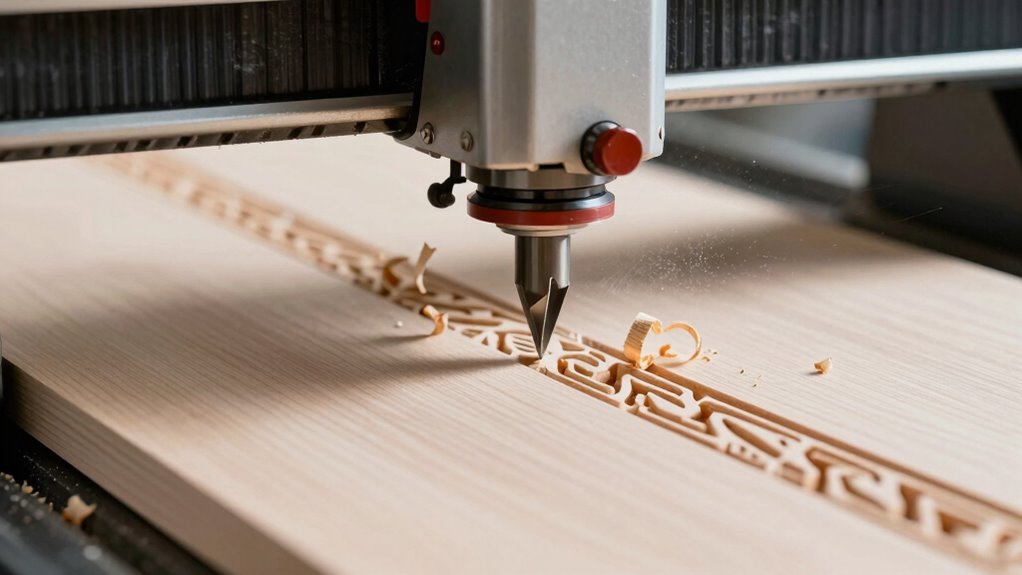
Your cutting speed and feed rate directly impact the finish quality and how long your tools last. If you set them too high, you risk poor surface finishes and faster tool wear; too low, and your work becomes inefficient. Understanding how chip load affects surface quality helps you optimize both cut quality and tool lifespan.
Cutting Speed and Finish
Have you ever wondered how feed rates and cutting speeds influence the quality of your CNC router cuts? Cutting speed directly impacts finish quality. Too high a speed can cause rough, burned edges, while too low may produce a dull surface. Optimizing cutting speed ensures a smooth, clean cut, reducing the need for extra finishing. When you set the right cutting speed, the tool moves efficiently, minimizing vibrations and chattering that can mar your workpiece. This results in a superior finish and extends tool life. Adjusting feed rates along with cutting speeds helps maintain the ideal chip load, further enhancing surface quality. Remember, balancing these parameters is key to achieving a professional finish without unnecessary wear or defects. Proper cutting parameters play a crucial role in preventing premature tool wear and maximizing efficiency.
Feed Rate and Tool Wear
Adjusting feed rates alongside cutting speeds directly impacts both cut quality and tool longevity. If your feed rate is too high, the tool experiences increased tool wear, leading to faster dulling and potential damage. Conversely, a feed rate that’s too low can cause rough cuts and unnecessary stress on the tool. To optimize performance, consider these factors:
- Maintaining an appropriate feed rate that balances material removal and tool life
- Monitoring tool wear regularly to prevent unexpected failures
- Adjusting feed rates based on material hardness and bit type for consistent quality
- Incorporating cutting parameters that optimize efficiency and prolong tool life. Additionally, understanding cutting speeds helps in fine-tuning these parameters for better results. Properly managing cutting conditions is essential for achieving the best balance between productivity and tool preservation, especially when considering the material properties involved.
Chip Load and Surface Quality
How do feed rates and cutting speeds directly influence chip load and surface quality during CNC routing? When you adjust feed rates and speeds, you control the chip load—the amount of material removed per tooth. A proper chip load guarantees a smooth surface finish, reducing roughness and tool marks. Too high a chip load can cause excessive vibration and poor surface quality, while too low results in inefficient cutting and increased tool wear. Optimizing these parameters balances the chip load for a clean cut and longer tool life. Maintaining the correct feed and speed settings helps produce a consistent surface finish, minimizes chipping, and extends your tool’s lifespan. Ultimately, understanding how these factors interact allows you to achieve the best cut quality with maximum efficiency.
Genmitsu 40pcs End Mills CNC Router Bits, 1/8" Shank CNC Cutter Milling Carving Bit Set Including 2-Flute Flat Nose & Ball Nose, Nano Blue Coat & Titanium Coat, MC40A
High Quality: The Genmitsu end mills are made of ultra-fine 0.2μm tungsten carbide steel alloy that can keep…
As an affiliate, we earn on qualifying purchases.
As an affiliate, we earn on qualifying purchases.
How to Calculate and Set the Right Feeds and Speeds for Your Material

To achieve clean cuts and efficient machining, you need to determine the correct feeds and speeds for your material. Start by considering your material selection, which influences the ideal cutting parameters. Next, confirm your tool calibration is accurate; improperly calibrated tools can lead to poor results. To set the right feeds and speeds:
- Consult manufacturer guidelines for your specific material and tool.
- Adjust based on your machine’s power and rigidity.
- Test with small cuts, gradually increasing speed and feed until perfect finish and efficiency are achieved.
- Incorporate Free Floating techniques to prevent unnecessary stress on your machine and improve overall performance. Additionally, understanding the contrast ratio of your projector can help you optimize your setup for the best visual quality.

Calculated Industries 4088 Machinist Calc Pro 2 Advanced Machining Calculator | Speeds and Feeds, DOC, LOC and WOC for Materials and Tool settings | Machinists, Setters, Tool & Die Makers, Shop Owners
MACHINIST-SPECIFIC KEYS let you enter details for the job quickly and effectively without tedious and error-prone long hand…
As an affiliate, we earn on qualifying purchases.
As an affiliate, we earn on qualifying purchases.
Choosing the Best Bits for Different Materials and Projects

Choosing the right bits is vital for getting the best results on your projects. You need to take into account material compatibility, bit types, and their specific uses. For example, selecting the appropriate bit material can significantly influence durability and finishing quality, especially when working with different materials. Let’s explore how to select the best bits for different materials and project requirements. Additionally, understanding proper bit safety protocols can help prevent accidents and extend the lifespan of your tools.
Material Compatibility Tips
Selecting the right bits for your project is crucial to achieving clean cuts and efficient work when using a CNC router. Understanding material compatibility helps prevent premature tool wear and guarantees quality results. First, always match the bit material to your workpiece—harder materials like metal require carbide or diamond-tipped bits, while softer woods work well with high-speed steel or coated bits. Second, consider the project’s complexity; intricate designs demand fine, precise bits to maintain detail without damaging the material. Third, pay attention to feed rates and spindle speeds, as improper settings can accelerate tool wear or cause rough cuts. Additionally, being aware of material compatibility ensures you select the most suitable tools for each application, optimizing performance, extending tool life, and producing cleaner, more accurate results. Properly matching bits to materials also minimizes tool wear, saving costs and reducing downtime. Knowing material properties can further guide you in choosing the right bits for specific tasks, ensuring optimal results and longevity. Being familiar with cutting parameters helps you fine-tune your settings for different materials, enhancing overall efficiency. Moreover, understanding the abrasiveness of materials can assist in selecting bits that resist wear and maintain sharpness longer.
Bit Types and Uses
Different types of bits serve specific purposes depending on the material and complexity of your project. For marble engraving, you’ll want a diamond-tipped bit that can handle the hardness without chipping. These bits produce clean, detailed designs and prevent damage to delicate surfaces. When working with metal, especially for milling, high-speed steel or carbide bits are your best choices—they offer durability and precision. For softer materials like wood or plastics, spiral bits are versatile and provide smooth cuts. Choosing the right bit ensures efficiency and quality results. Using the wrong bit can lead to rough finishes or tool damage. Always match your bit type to your material and project requirements for ideal performance and safety.
Project-Specific Recommendations
To achieve the best results with your CNC router, you need to pick the right bits tailored to your specific material and project goals. Proper material selection guides your choice of bit type, ensuring clean cuts and durability. Additionally, consider tool ergonomics—using bits designed for comfortable handling reduces strain and improves precision. Remember, staying aware of everyday safety and following proper handling procedures can prevent accidents and prolong your tools’ lifespan. Selecting the appropriate bit material can also influence the overall performance and longevity of your cutting tools. Here are some project-specific recommendations: 1. For softwoods like pine or cedar, choose high-speed steel (HSS) bits with a sharp, spiral design. 2. For dense materials like hardwoods or plastics, carbide bits with larger flutes provide stability and longer tool life. 3. When working on detailed or intricate projects, select bits with smaller diameters and optimized cutting geometry to enhance control and reduce fatigue. Additionally, understanding bit longevity can help you plan for replacements and maintain consistent quality throughout your projects.
Troubleshooting Poor Cuts: Why Settings Might Be Off
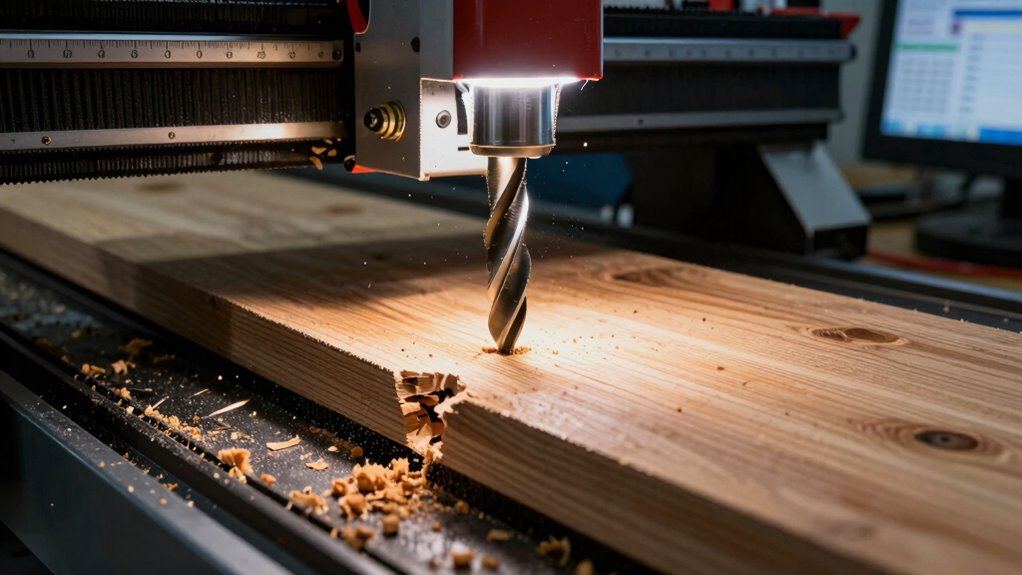
When your CNC router produces poor cuts, the issue often lies in the machine’s settings. First, check tool calibration to ensure your bits are precisely aligned and spinning true. Miscalibrated tools can cause uneven cuts and rough edges. Also, consider material inconsistencies; variations in wood or other materials can lead to unpredictable results. If your material isn’t uniform, even the perfect settings won’t produce clean cuts. Double-check your feed rate, spindle speed, and depth settings, as incorrect values can cause burning, chipping, or incomplete cuts. Regularly calibrate your tools and inspect your materials before starting a project. Additionally, understanding the importance of bit selection can make a significant difference in cut quality. These small adjustments can prevent issues and improve cut quality, saving you time and frustration during your CNC projects.
Tools and Software to Help You Optimize CNC Router Settings
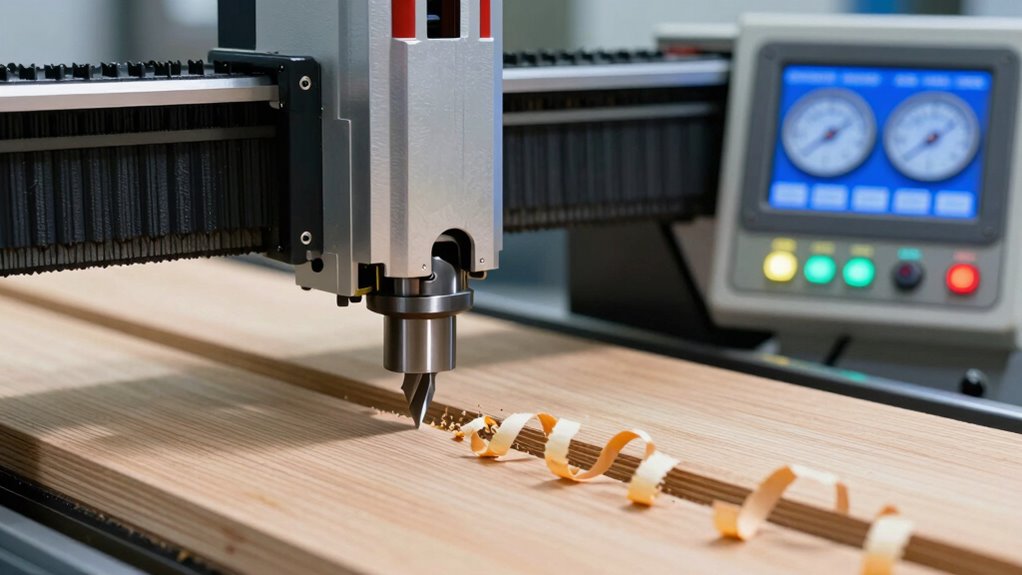
Using the right tools and software can considerably simplify the process of optimizing your CNC router settings. They help you adjust for factors like bit material and material type, ensuring efficient cuts. Software optimization features analyze your project and recommend ideal speeds and feeds, reducing trial and error. Here are three essential tools:
Optimize CNC settings easily with tools that analyze and recommend ideal speeds and feeds for efficient cuts.
- CAD/CAM Software – Automates toolpath creation, factoring in bit material and material hardness.
- Feed and Speed Calculators – Provide real-time recommendations based on bit type and material, streamlining setup.
- Monitoring Software – Tracks spindle load and cutting conditions, helping you fine-tune settings for ideal results.
Common Mistakes When Setting Feeds and Speeds: And How to Avoid Them
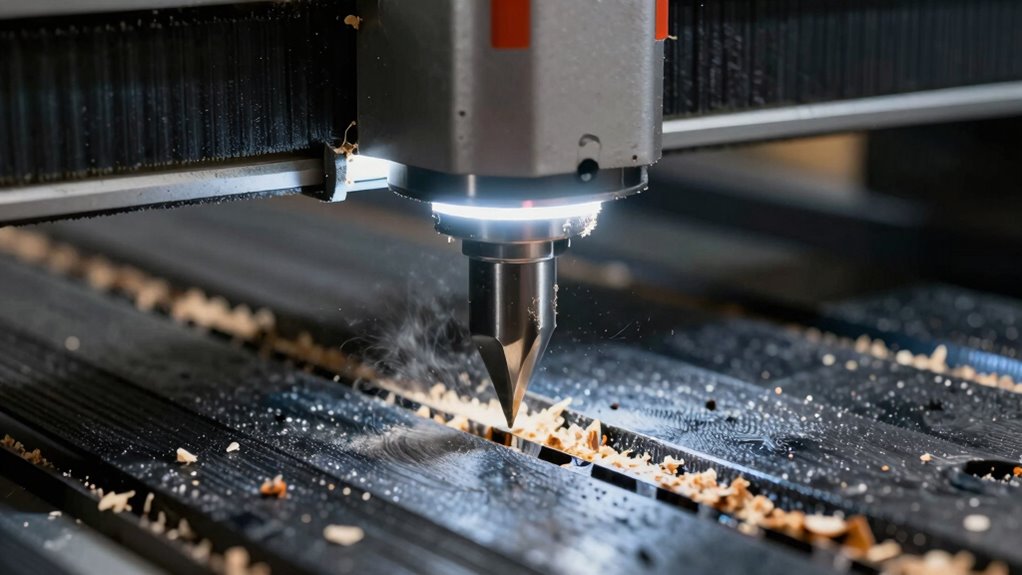
Setting your feeds and speeds incorrectly is a common mistake that can lead to poor cut quality, tool damage, or even safety hazards. If your feeds are too high or speeds too fast, you risk overheating the bit, which shortens bit longevity and increases the chance of breakage. Conversely, setting them too low wastes time and can cause rough finishes. To avoid these issues, always follow recommended guidelines and adjust based on the material and bit type. Keep safety precautions in mind—wear eye protection and secure your workpiece. Properly calibrated feeds and speeds not only improve your cut quality but also extend your tool’s life and keep you safe. Regularly check your settings before starting each project to prevent costly mistakes.
Tips to Save Time and Material With Proper Bits, Feeds, and Speeds
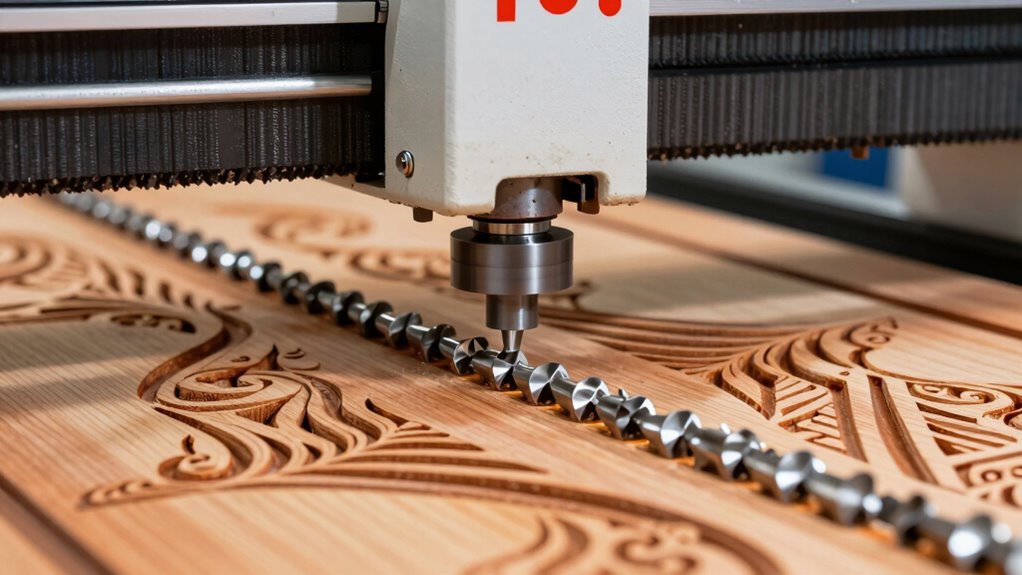
Choosing the right bits and optimizing your feeds and speeds can substantially reduce waste and speed up your CNC projects. Proper material selection guarantees you’re using compatible tools, preventing unnecessary breaks and tool wear. To maximize efficiency:
- Select bits designed for your material, boosting tool durability and reducing breakage.
- Adjust feeds and speeds based on material hardness; slower speeds prevent overheating and material waste.
- Regularly monitor tool performance to catch signs of wear early, maintaining precision and avoiding costly rework.
Where to Find Quality CNC Bits and How to Maintain Them
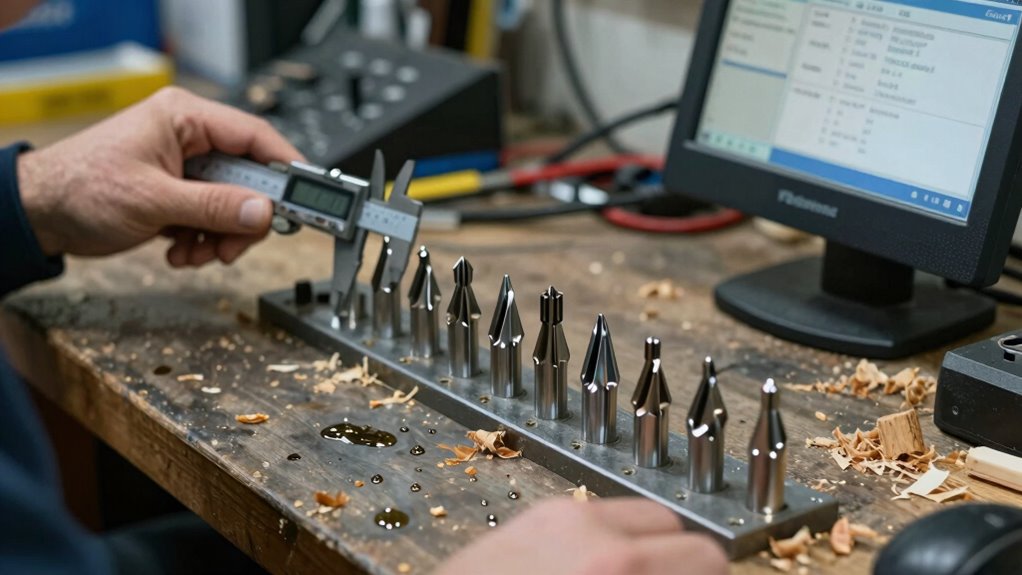
Finding high-quality CNC bits starts with knowing where to look. Reputable suppliers, woodworking stores, and online specialty retailers offer reliable options. Look for bits made from durable materials like carbide, which stay sharp longer. Proper bit storage is essential; keep bits in organized containers to prevent damage and rust. Regularly inspect your bits for signs of wear or dullness. If they become dull, consider bit sharpening to restore cutting efficiency and extend lifespan. Maintaining sharp bits reduces strain on your router and improves cut quality. Clean bits after each use to remove debris and ensure optimal performance. By sourcing quality bits and practicing proper storage and sharpening habits, you keep your CNC router running smoothly and produce precise, professional results.
Frequently Asked Questions
How Do Different Bit Coatings Impact Cutting Performance and Longevity?
Different bit coatings markedly influence cutting performance and longevity. For example, titanium nitride coatings enhance durability and reduce heat buildup, while diamond coatings excel with harder materials. Your best approach is using coating selection techniques to match the coating to your material and cutting conditions. This guarantees ideal durability, minimizes wear, and improves surface finish. Choosing the right coating based on your project needs helps you work more efficiently and extend your bits’ lifespan.
Can Changing Feeds and Speeds Affect Machine Wear and Safety?
Hold onto your hat—changing feeds and speeds really can impact your machine’s wear and safety. When you adjust the feed rate or spindle speed, you might cause excessive heat or stress on the bits and components, risking damage or failure. Always monitor your machine closely, stick to recommended settings, and avoid pushing it beyond its limits. Proper adjustments help make sure safe operation and extend your CNC router’s lifespan.
Are There Industry Standards for Optimal CNC Router Settings?
Yes, there are industry benchmarks and setting guidelines for ideal CNC router settings. These standards help you determine the best feeds, speeds, and bit choices for various materials and projects. By following established benchmarks, you guarantee efficient operation, better surface finishes, and prolong your machine’s lifespan. Always consult manufacturer recommendations and industry sources to fine-tune your settings, keeping safety and performance in check.
How Do Ambient Temperature and Humidity Influence Cutting Outcomes?
Did you know that high humidity can increase material swelling by up to 5%, affecting your cut quality? Humidity effects and temperature influence your CNC router’s performance by causing material expansion or contraction. Warmer temperatures may soften certain materials, making cuts less precise, while cold, dry air can lead to static and dust buildup. Adjust your settings accordingly to maintain ideal cutting outcomes despite these environmental changes.
What Are the Signs of a Worn or Damaged CNC Router Bit?
You’ll notice worn or damaged CNC router bits through irregularities in bit inspection, like chips or dull edges. Increased cutting noise often signals dullness or damage, and you might see burn marks or uneven cuts on your material. If the bit vibrates excessively or produces rough finishes, it’s time to replace or sharpen it. Regular checks help you catch issues early, ensuring smooth, precise cuts every time.
Conclusion
Mastering bits, feeds, and speeds isn’t just a skill—it’s your secret weapon to release flawless cuts every time. Get it right, and you’ll be carving perfection at lightning speed, wasting zero material, and leaving mistakes in the dust. Think of it as unlocking the hidden power of your CNC router—turning simple projects into masterpieces with the precision of a laser. Nail these settings, and you’ll conquer any project like a true machining legend.